The Grandstream HT801 v2 and HT802 v2 are analog telephone adaptor (ATA) with 1 or 2 Foreign Exchange Subscriber (FXS) ports for connecting an analog phone to your NocTel Talk Host VoIP system.
| Info |
|---|
Outbound and Ext to Ext Dialing - When making an outbound call from the analog device connected to the Grandstream HT802 you must dial your NocTel account exit code + the 10 digit phon number.
- Direct extension to extensions dialing does not require the exit code.
- Dialing emergency service (911): dial 911 no exit code is needed.
|
Add a Grandstream Extension
- In the NocTel portal, click Extensions > Add a new Extension.
- In the Grandstream section and click add device.
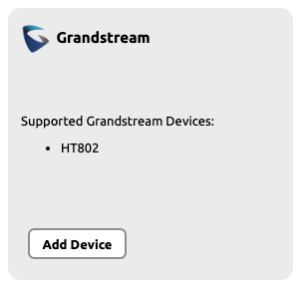 Image Modified
- On the Grandstream Device Provisioning page complete the following field in step 3:
- Device MAC: the phone's 12-digit MAC address. The MAC address can be found on the bottom of the device.
- Ext. #: Give the extension a distinct extension number not currently in use in your account.
- Line: For all standard applications, leave as 1st
- Extension Name: Enter a descriptive name for the extension.
 Image Modified
- Click Submit.
Finding the Grandstream ATA's IP Address
- Connect a telephone to the phone 1 port.
- Press *** (press the star key three times) to access the IVR menu and wait until you hear “Enter the menu option”.
- Press 02, and the current IP address will be announced.
Accessing the Grandsteam's Web Interface and Provisioning
- Navigate to the IP address for the ATA.
- Login using username: admin and password listed on the bottom of the device.
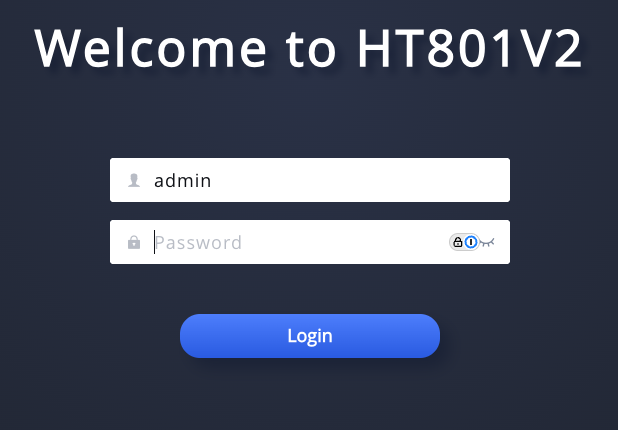 Image Modified
- Complete the new admin password set up. (Password must contain 8-30 characters, at least 1 digit, 1 uppercase letter, 1 lowercase letter, and must not contain special characters.)
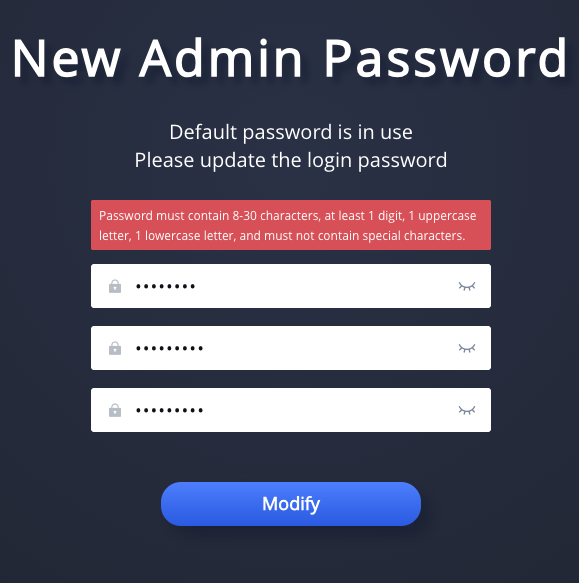 Image Modified
- Navigate to Maintenance >> Upgrade > Config File.
- Change the Config Server Path to noctel.com.
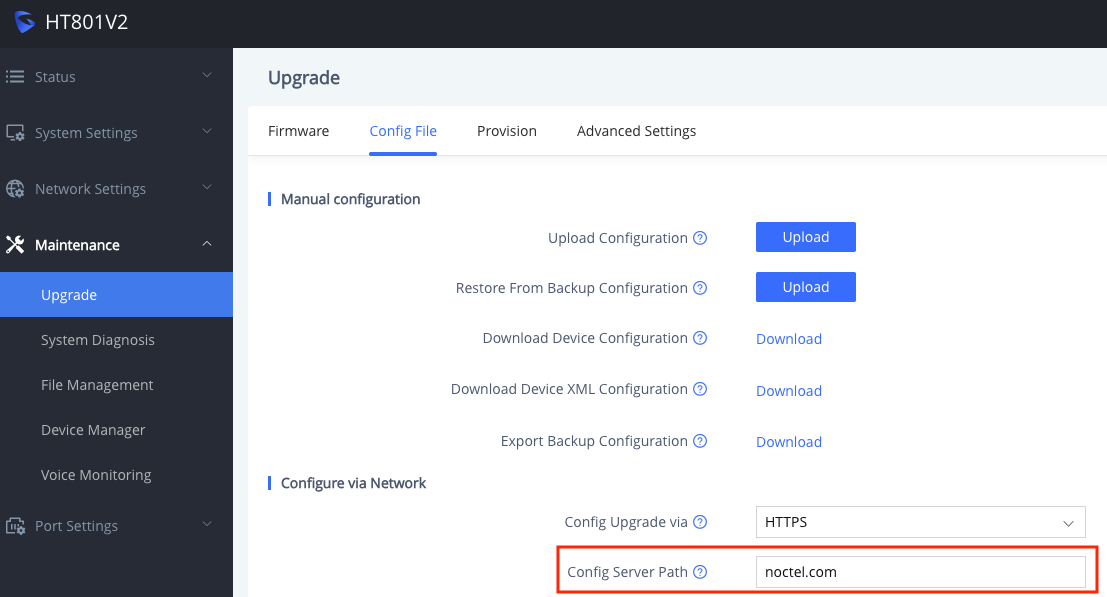 Image Modified
- Click Save.
 Image Modified
- Navigate to Port Settings >> FXS Port > General Settings.
- Check the Account Active box.
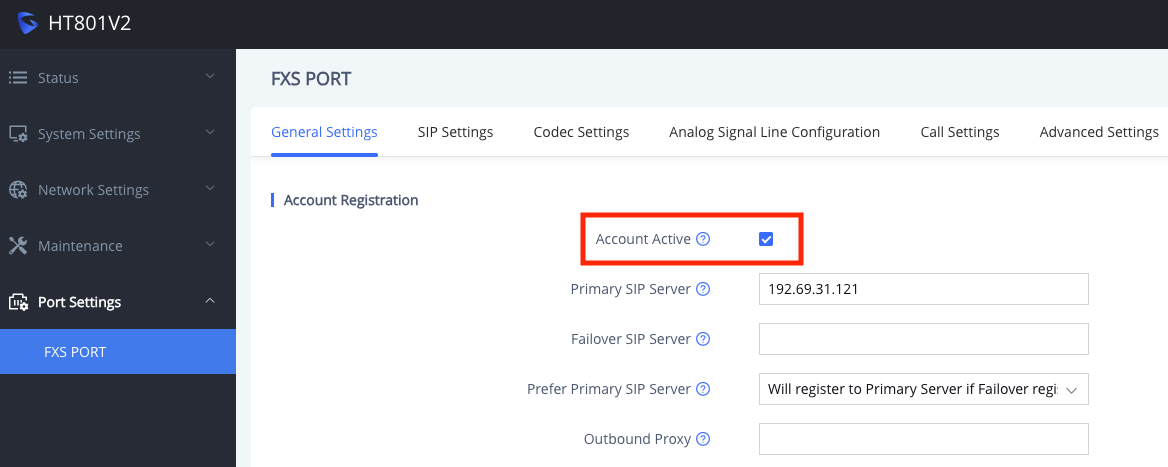 Image Modified
Click Save.
Image Modified
- Click Save and Apply. The Grandstream will reboot.
 Image Modified
Related articles
| Content by Label |
|---|
| showLabels | false |
|---|
| max | 5 |
|---|
| spaces | docs |
|---|
| showSpace | false |
|---|
| sort | modified |
|---|
| reverse | true |
|---|
| type | page |
|---|
| cql | label in ("provisioning","ata","provision") and type = "page" and space = "docs" |
|---|
| labels | ata provision provisioning |
|---|
|