The Grandstream HT801 v2 and HT802 v2 are analog telephone adaptor (ATA) with 1 or 2 Foreign Exchange Subscriber (FXS) ports for connecting an analog phone to your NocTel Talk Host VoIP system.
| Info |
|---|
|
The Grandstream HT801 and HT802 (original versions) requires different provisioning instructions the the Version 2. Check the label on the back of the devices to confirm what version you have (Model HT801 or Model HT802 for the original versions). Click here for version 1 provisioning guide. |
| Info |
|---|
Outbound and Ext to Ext Dialing - When making an outbound call from the analog device connected to the Grandstream HT802 you must dial your NocTel account exit code + the 10 digit phon number.
- Direct extension to extensions dialing does not require the exit code.
- Dialing emergency service (911): dial 911 no exit code is needed.
|
Add a Grandstream Extension
- In the NocTel portal, click Extensions > Add a new Extension.
- In the Grandstream section and click add device.
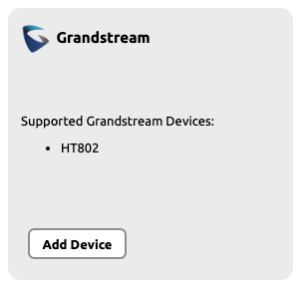
- On the Grandstream Device Provisioning page complete the following field in step 3:
- Device MAC: the phone's 12-digit MAC address. The MAC address can be found on the bottom of the device.
- Ext. #: Give the extension a distinct extension number not currently in use in your account.
- Line: For all standard applications, leave as 1st
- Extension Name: Enter a descriptive name for the extension.

- Click Submit.
Finding the Grandstream ATA's IP Address
- Connect a telephone to the phone 1 port.
- Press *** (press the star key three times) to access the IVR menu and wait until you hear “Enter the menu option”.
- Press 02, and the current IP address will be announced.
Accessing the Grandsteam's Web Interface and Provisioning
- Navigate to the IP address for the ATA.
- Login using username: admin and password listed on the bottom of the device.
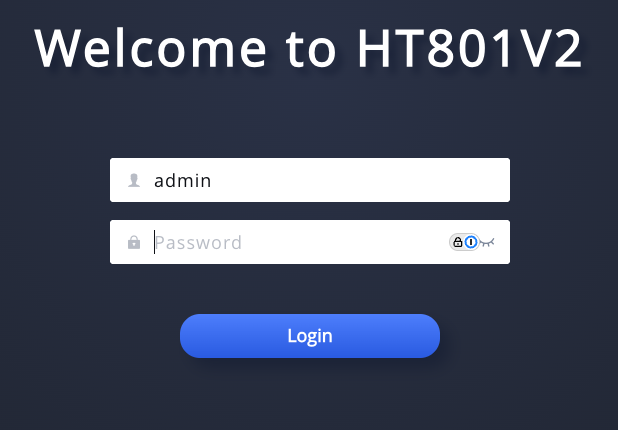
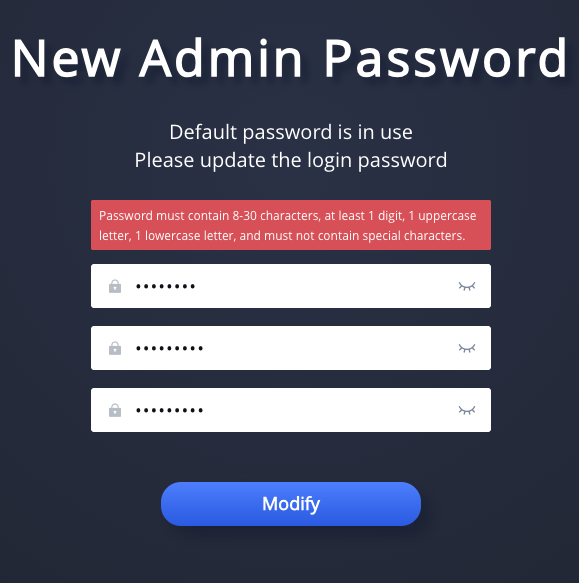
- Complete the new admin password set up. (Password must contain 8-30 characters, at least 1 digit, 1 uppercase letter, 1 lowercase letter, and must not contain special characters.)
- Navigate to Maintenance >> Upgrade > Config File.
- Change the Config Server Path to noctel.com.
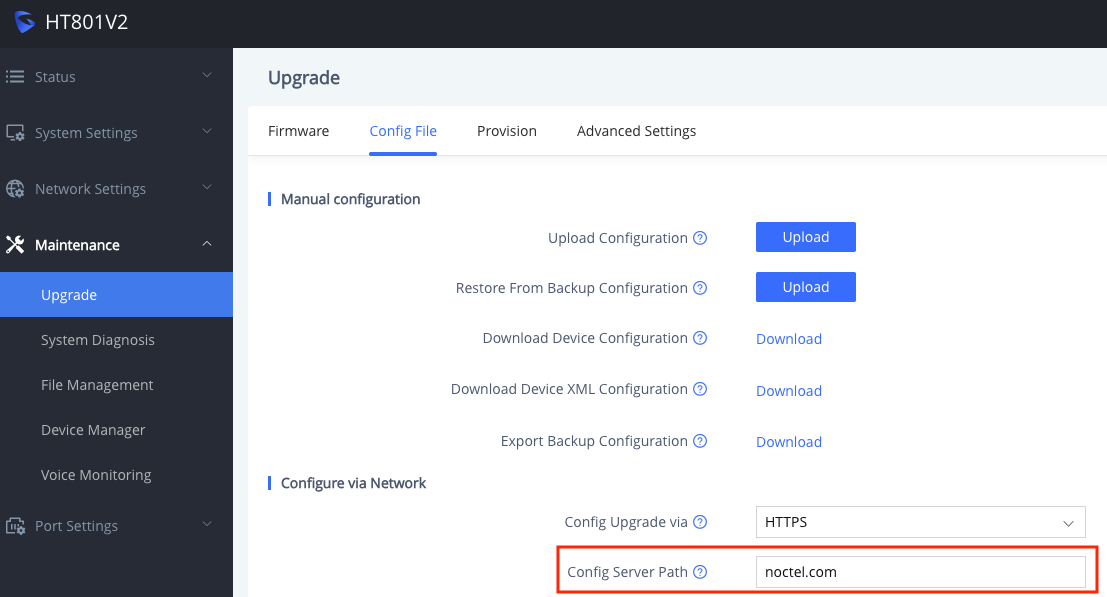
- Click Save.

- Navigate to Port Settings >> FXS Port > General Settings.
- Check the Account Active box.
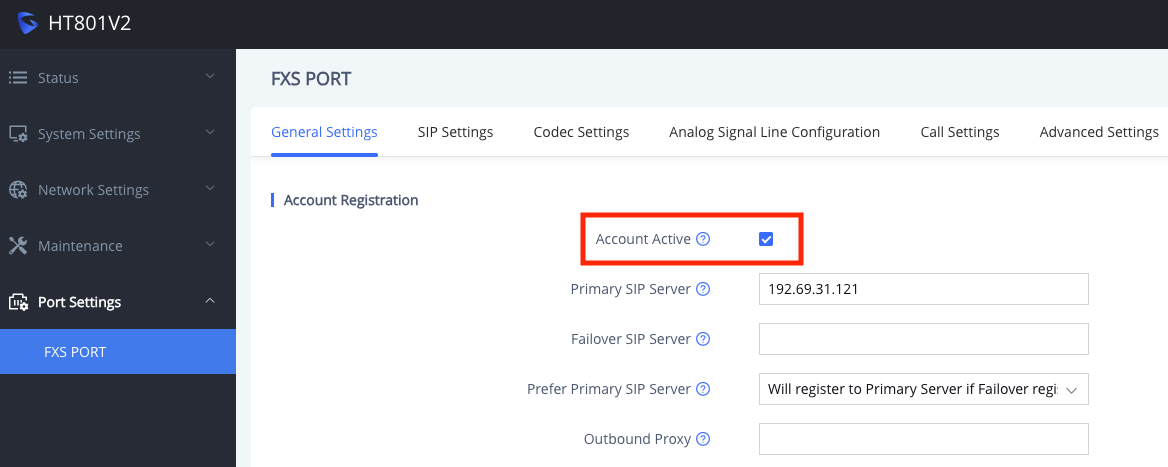
Click Save.
- Click Save and Apply. The Grandstream will reboot.

Related articles
| Content by Label |
|---|
| showLabels | false |
|---|
| max | 5 |
|---|
| spaces | docs |
|---|
| showSpace | false |
|---|
| sort | modified |
|---|
| reverse | true |
|---|
| type | page |
|---|
| cql | label in ("provisioning","ata","provision") and type = "page" and space = "docs" |
|---|
| labels | ata provision provisioning |
|---|
|