Problem
User is experinceing one way aduio when using a Jabra Headset
Solution
Perform a Soft Reset
Jabra Pro 900 Series
To perform a soft reset of your Jabra Pro 900, follow these steps:
- Unplug the base power supply from the power outlet.
- Remove the headset from the base.
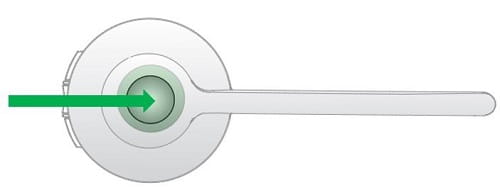
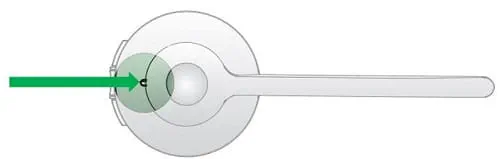
- Turn the headset off by pressing and holding (3-5 seconds) the Multi-function button until the headset LED blinks rapidly and then turns off. Then release the button.
Multi-function button
LED Place the headset back onto the base.
Plug the base power supply into the power outlet again. The soft reset is now completed.
Jabra Engage
To reset the headset using the base, follow these steps:
- Dock the headset in the base.
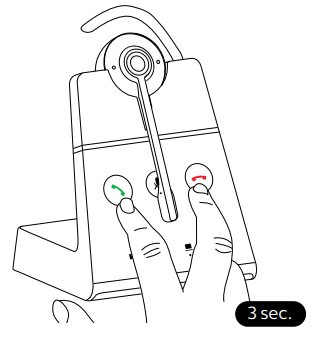
- Simultaneously press and hold (3 seconds) the Answer call button and the End call button on the base.
The headset and base will reboot and all settings will return to their default values.
Related articles