Build the path a call takes through your organization.
When calls come in at volume, Flow decides where they land, who answers, and what callers experience while they wait. Build it once, then adjust it as your organization changes.
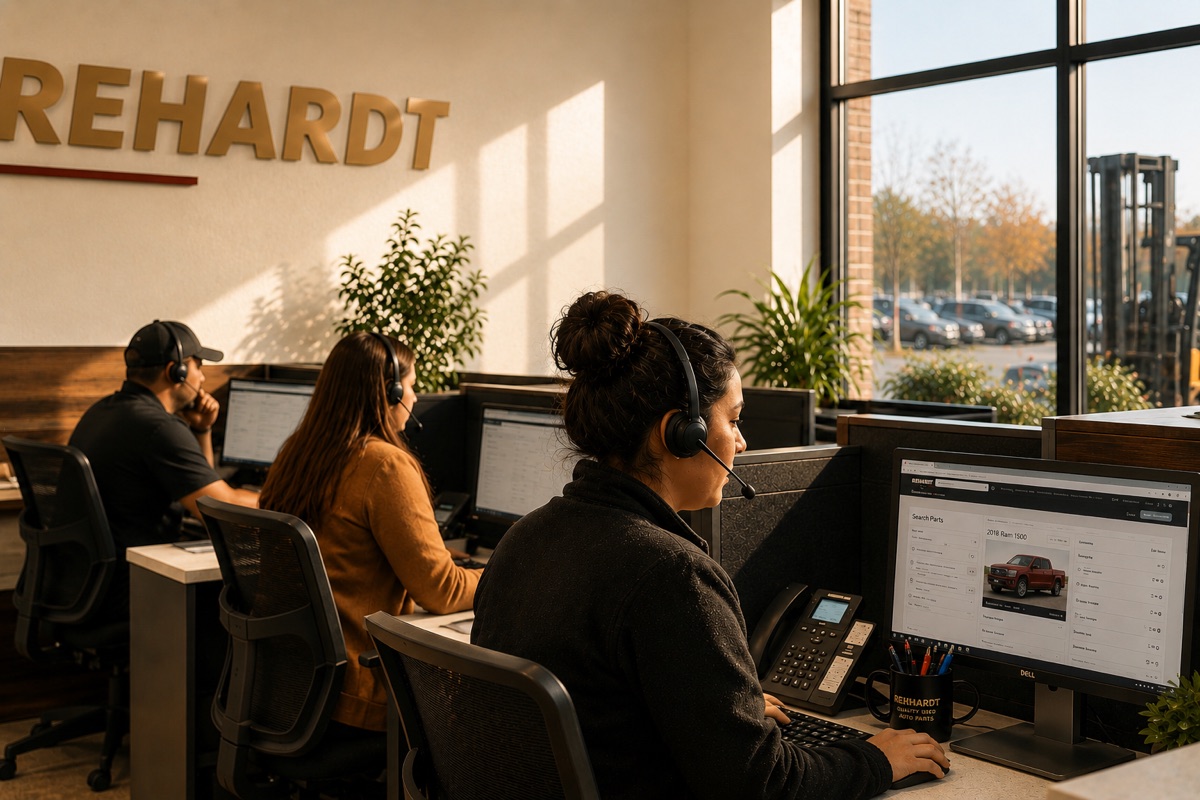
When the calls pile up, they need somewhere to land.
Flow is for the lines that take real volume: a support number, a front desk, a dispatch line. It gives every caller a place in line, sends them to the right person, and shows whoever’s running the floor what’s happening right now.
Callers wait in a queue, not in the dark.
Calls enter a named queue and go to whoever’s free. Set the hold music, decide what happens when the line gets long, and let callers ask for a callback so they keep their place without sitting on hold.
- Named queues, each with its own hold music and overflow
- Callback instead of holding: their place is kept
- Point a phone number straight at a queue
Each call finds someone who can actually help.
Tag people with what they handle and how well, and calls match to them: the billing call to someone who knows billing, the Spanish call to someone who speaks it. When a caller has waited too long, the call moves up the line on its own.
- Match calls to skills, weighted by proficiency
- Set a priority for calls that can’t wait
- Escalate automatically once a caller passes a wait threshold
Whoever’s running the floor can see, and step in.
A real–time board shows who’s on a call and who’s waiting longest, sorted so the call about to go cold is at the top. A supervisor can move a call to another agent with a click. Coaching tools are on our roadmap: listening in quietly, whispering to the agent, joining the call, and we’ll tell you plainly where they stand.
- Live board, longest wait at the top
- Listen silently, whisper to the agent, or join the call
- Move a call to another agent with a click
The same phones. The same login.
Flow isn’t a separate call center bolted onto your phones. People answer on the desk phone they already have, or on the NocTel Go app, and log in right from it. It shares the same directory and the same place you manage everything else.
- Answer on an existing desk phone or on Go
- Make outbound calls from the same place
- Log why people called, and see it in reporting
A real contact center, without a second phone system to run.
Queues & routing
- Named queues
- Skills–based routing
- Proficiency matching
- Call priority
- Escalation on wait time
- Queue callback
- Overflow rules
- Hold music per queue
For agents
- Answer on a desk phone or Go
- Log in from the handset
- Status: available, away, on–call, wrap–up
- Click–to–transfer
- Warm transfer with an introduction
- Outbound calling
- Global directory
For supervisors
- Real–time dashboard
- Longest–wait–first sorting
- Monitor a call silently
- Whisper to the agent only
- Join the call (audible to all)
- Move calls between agents
Reporting & setup
- Contact reason logging
- Feeds Insight reporting
- Teams
- Configurable queues
- Skills with proficiency scores
- Runs on your existing phones
Flow runs your busiest line. The rest is right next to it.
Flow shares the phones, the directory, and the login you already use for the rest of Desk. Add Screens to put wait times on a wallboard, or Alert to reach the floor in a hurry, in the same place, no second system to wire up.
Questions about Flow.
No. Flow is built on the same NocTel phones you already use. Agents answer on their desk phone or the NocTel Go app and log in right from it. There’s no second system to run alongside the first.
They don’t have to. A caller can ask for a callback instead of holding, and Flow keeps their place in line and rings them back when it’s their turn.
You tag people with the skills they handle and how strong they are at each one, and calls match to the best available fit. You can also set a priority for calls that can’t wait, and have a call escalate on its own once a caller passes a wait threshold.
Yes. Today a supervisor can watch every queue live and move a call to another agent with a click. Listening in silently, whispering to the agent, and joining a call are in development. Ask us where they stand, and we’ll give you a straight answer.
Yes. Agents can place outbound calls from the same interface, and contact reasons logged on each call feed into NocTel Insight reporting so you can see what people are calling about.
Yes. Support is staffed Monday through Friday, 5am to 6pm PT, by our own team in Washougal. Reach us at +1 360.837.7400, toll–free at +1 888.400.4521, or support@noctel.com.