Run every bell, page, and phone line from one place.
NocTel Desk puts the whole building in front of your front office: bell schedules, overhead paging, call menus, and panic alerts, in one system your staff change themselves.
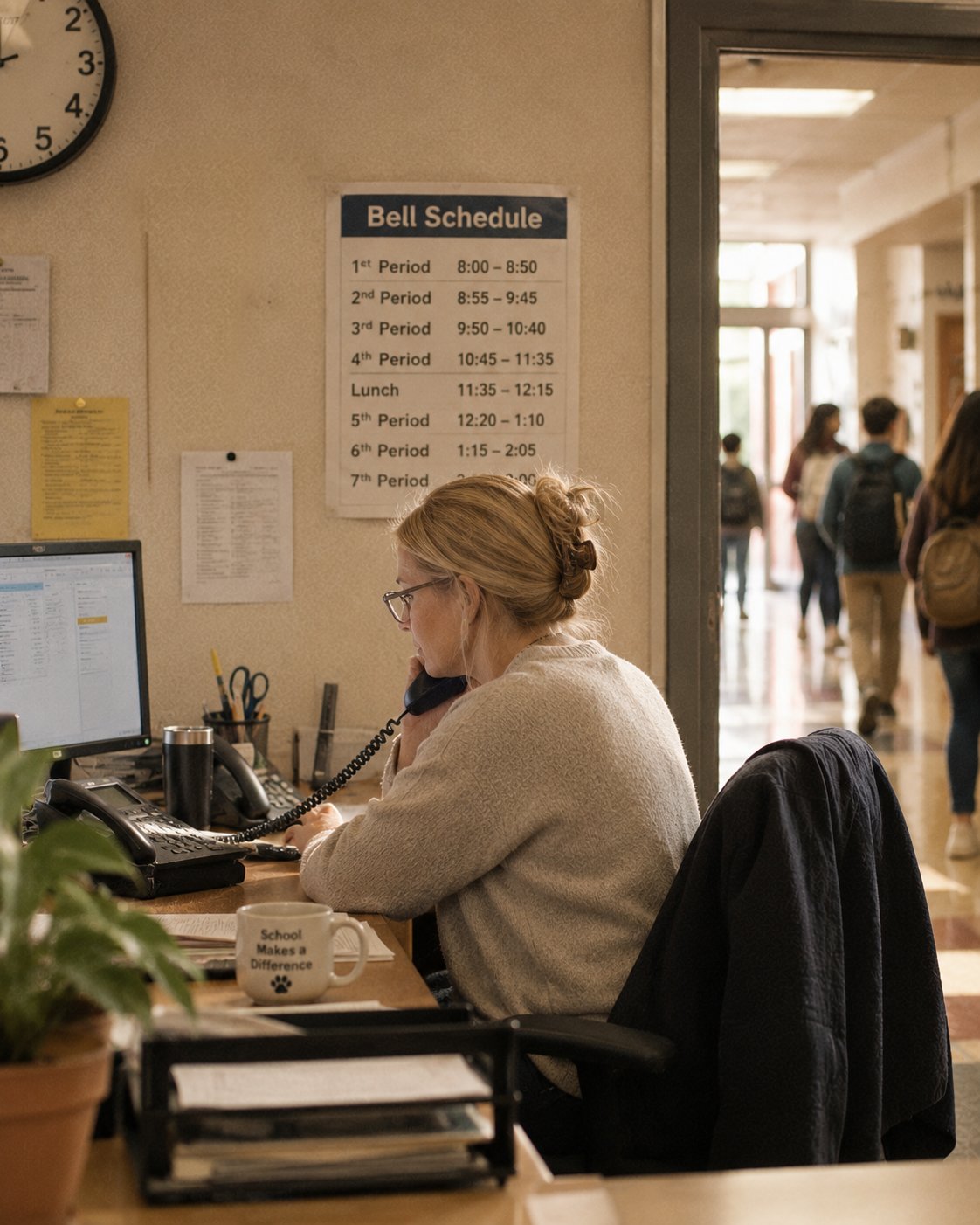
One system for the whole district.
Phones, paging, screens, and panic alerts stop being separate contracts. They become parts of one system, run by your own people.
See
Every phone, speaker, and screen in every building. What’s online, what’s offline, and for how long.
Change
Bell schedules, call menus, and paging zones, edited in plain language by office staff, not a contractor.
Respond
Panic badges and lockdown announcements reach phones, speakers, and screens at the same moment.
Built around how a school day actually runs.
Run the school day.
Bells, lunches, assemblies, dismissal. The daily rhythm of a building, set once and adjusted by the people who live it.
- Set bell schedules per building and per season.
- Page the gym, the cafeteria, or the front loop with one code.
- Flip the district to snow-day routing from any desk phone.
Answer every family.
The front office is where the district meets its families. The phone system should carry that load, in the languages your families speak.
- Build attendance and front-office menus in plain language.
- Offer the menu in Spanish, spoken in Spanish, not by an English voice.
- Share every line across the office, so whoever is free picks up.
Be ready for the worst day.
When a badge is pressed, the building should already know what to do. The response is designed ahead of time, by you.
- Give staff panic badges that work without WiFi.
- Reach phones, speakers, and screens with one press.
- See who pressed, and where, the moment it happens.
The products districts lean on.
Each one works alone. Together, inside NocTel Desk, they run the building.
- Bell schedules your office edits per building and season.
- Per-zone paging over the speakers you already own.
- Announcements from any phone you’ve allowed.
- Badges that work without WiFi, worn all day.
- One press reaches phones, speakers, and screens.
- Who pressed and where, the moment it happens.
- Menus built in plain language, changed in seconds.
- Multiple languages, each spoken by the right voice.
- After-hours and snow-day routing, one toggle away.
You can reach the people who built it.
Support is in Washougal, WA. The person who picks up is, in most cases, someone who wrote the code.
We install it.
Accounts are built before you touch them. Phones arrive configured. We’re on site while a district switches over.
Your phones can stay.
NocTel works with the phones already on your desks. Replacing a system doesn’t have to mean replacing the hardware.
One login for the district.
Every building, every device, every schedule, from wherever your administrator happens to be standing.
Setups districts ask us for
All setupsTalk to someone who has set up a school district before.
- A real conversation about your buildings, bell schedules, and lines.
- We pre-build your account and migrate your numbers.
- Your office runs it from Desk. We stay a phone call away.