Run every location from wherever you’re standing.
NocTel Desk treats your whole organization as one phone system. Every site’s extensions, paging, screens, and devices in one login, with the local details each building needs.
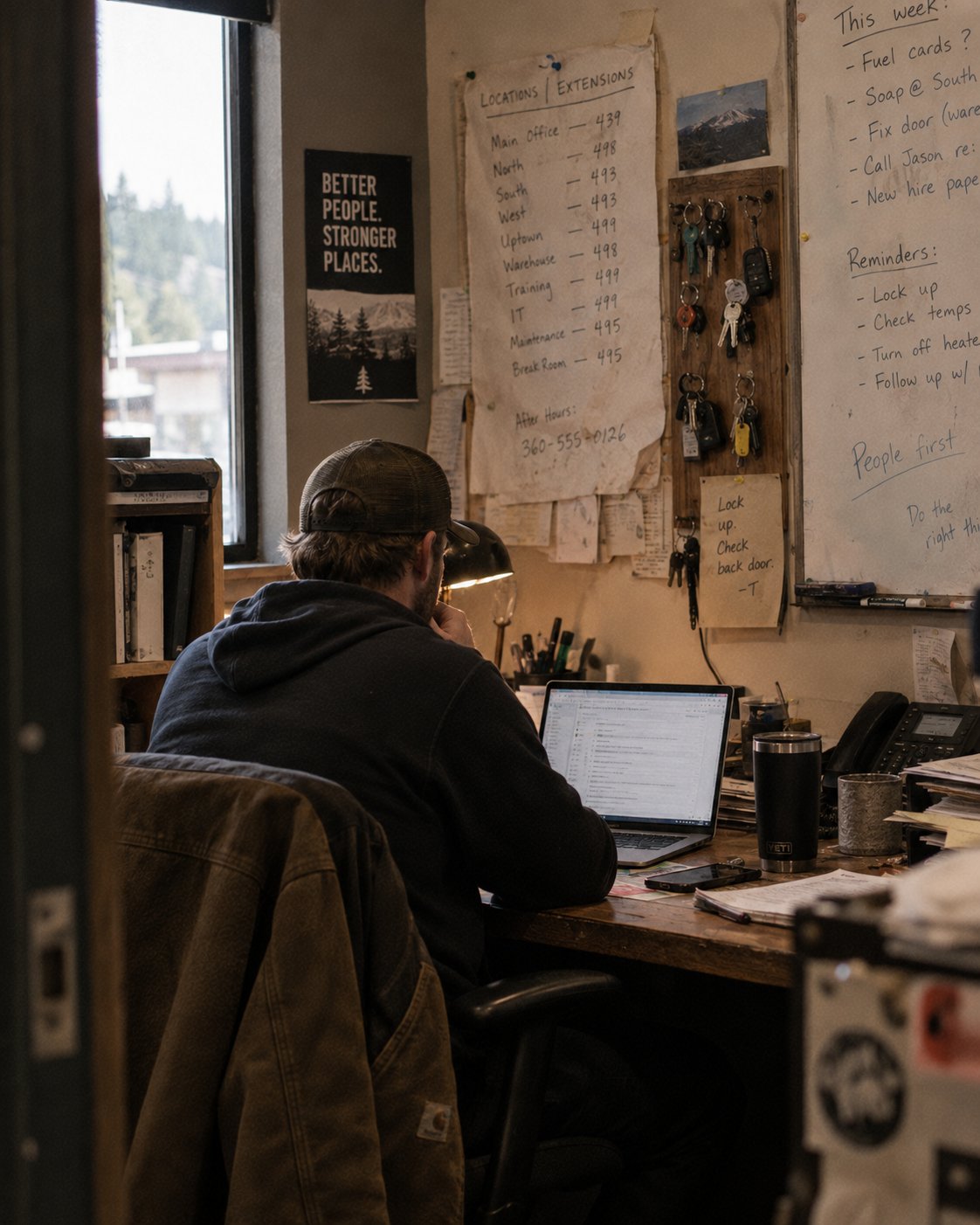
One system. Local where it matters.
The multi-site problem isn’t any one building. It’s the seams between them. Desk removes the seams and keeps the local details.
One login
Every location’s extensions, paging, screens, and devices in a single account. No per-site systems to juggle.
Local rules
Each building keeps its own schedules, menus, and paging zones, run by the people who work there.
Full visibility
What’s online, what’s offline, and for how long, across every site, from one screen.
Built around how many buildings actually run.
See every device, at every site.
Hundreds of phones across many buildings hide problems well. Tags and filters turn that haystack into questions you can actually ask.
- Tag phones and devices by building, role, or crew.
- Ask real questions: show every offline device at these two sites.
- Save the filter, pin it, and check it every morning.
Change one building without touching the rest.
A new bell schedule at one campus. A different menu at another. Local changes stay local, and the person making them doesn’t need to drive anywhere.
- Keep separate schedules, menus, and paging zones per site.
- Update one location’s routing without touching the others.
- Page one room, one building, or the whole organization.
Add the next building without adding a system.
Growth shouldn’t mean another phone contract. A new site is set up by us, before anyone there touches a phone.
- We pre-build the new site’s account before cutover.
- Phones arrive configured. Plug them in and they’re found.
- The new building appears in the same login as the rest.
The products multi-site teams lean on.
Each one works alone. Together, inside NocTel Desk, they hold many buildings in one hand.
- Extensions and shared lines across all locations.
- Tags and filters that answer questions fast.
- Device status, including how long something’s been dark.
- Zones per building, run by that building’s office.
- Announce one site or the whole organization.
- Bell schedules that differ site to site.
- Lobby boards and wallboards grouped by site.
- Update a group once. Every screen follows.
- No USB sticks, no drive between buildings.
You can reach the people who built it.
Support is in Washougal, WA. The person who picks up is, in most cases, someone who wrote the code.
We install it, site by site.
Accounts pre-built, phones configured before they ship, and a person on hand while each location switches over.
Your phones can stay.
NocTel works with the phones already on your desks. Replacing a system doesn’t have to mean replacing the hardware.
Runs from anywhere.
Desk works from a laptop, a tablet, or the front seat between buildings. Administrators run whole districts without plugging into a desk.
Setups multi–site teams ask us for
All setupsTell us how many buildings you’re running, and what the seams cost you.
- A real conversation about your sites, lines, and devices.
- We pre-build each site and migrate them one by one.
- Your team runs it all from Desk. We stay a call away.