You decide. Every system responds.
Phone systems. Intercoms. Emergency response. Screens. Sensors. Devices.
An office manager at her desk, surrounded by every system that wants her attention: phones, intercoms, screens, schedules, doors and sensors.
Trusted across industries





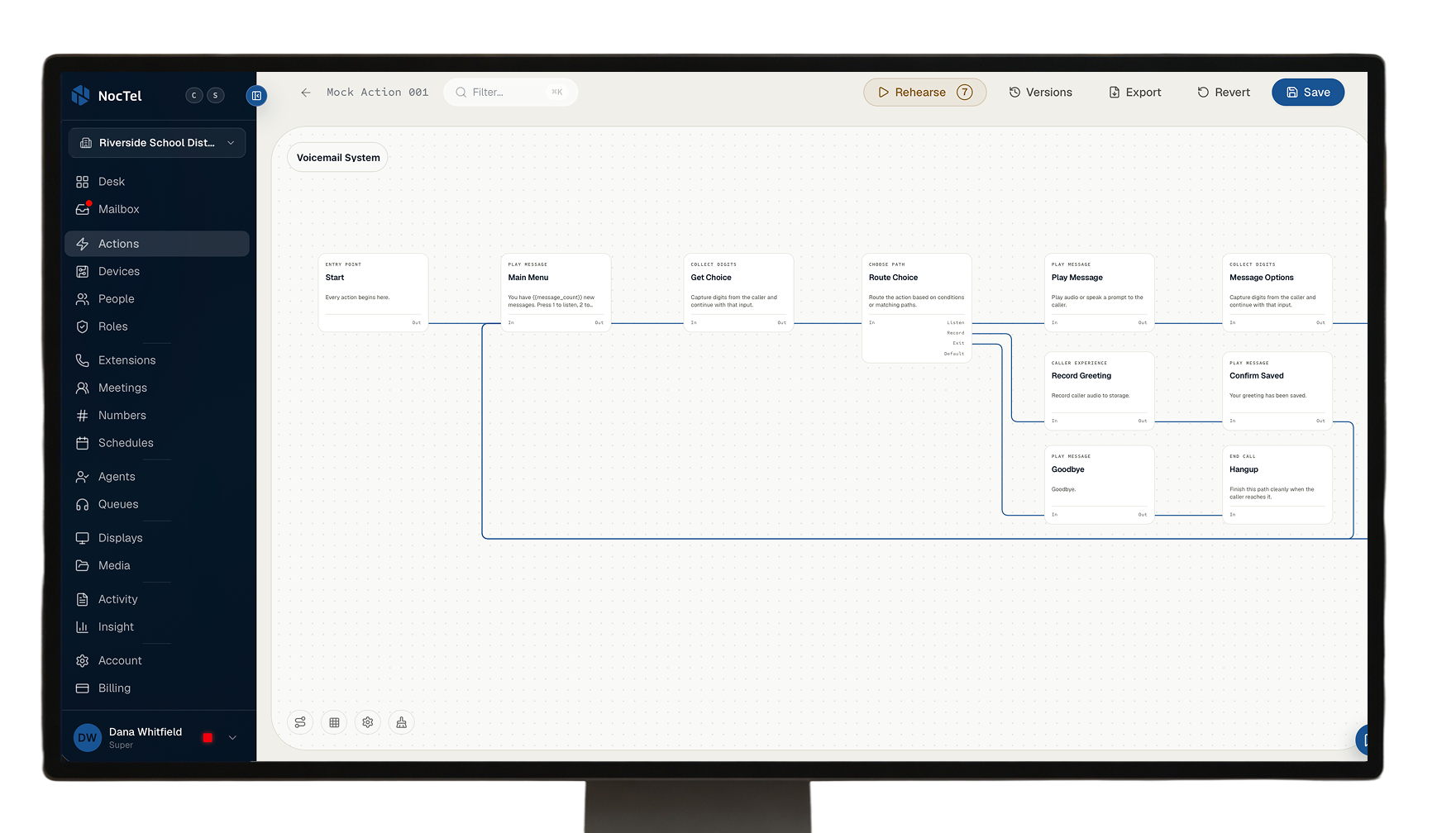
This is NocTel Desk.
Desk turns one decision into coordinated action across every phone, screen, speaker, schedule, and control.

What changes with Desk.

Decide once.
Set who answers, who gets notified, what changes, and what happens next. Desk turns those decisions into a response your organization can repeat.
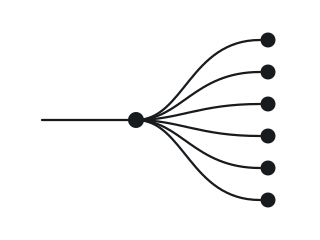
Every system follows.
Phones, paging, screens, schedules, AI, sensors, and controls carry out the same decision, each doing its part.
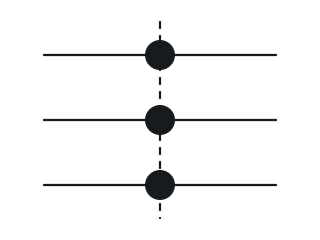
Change it yourself.
Build and update even complex responses in plain language or visually, without code or waiting on a vendor.
How it works
Complex communications. One simple sentence.
Action EditorWrite itDraft
Action · Front desk fallback
WhenFront desk rings
No answerRing reception
Still no answerTake a message
Action EditorMap itDraft
Map itWhen Then
Reception team
Action EditorPhotograph itDraft
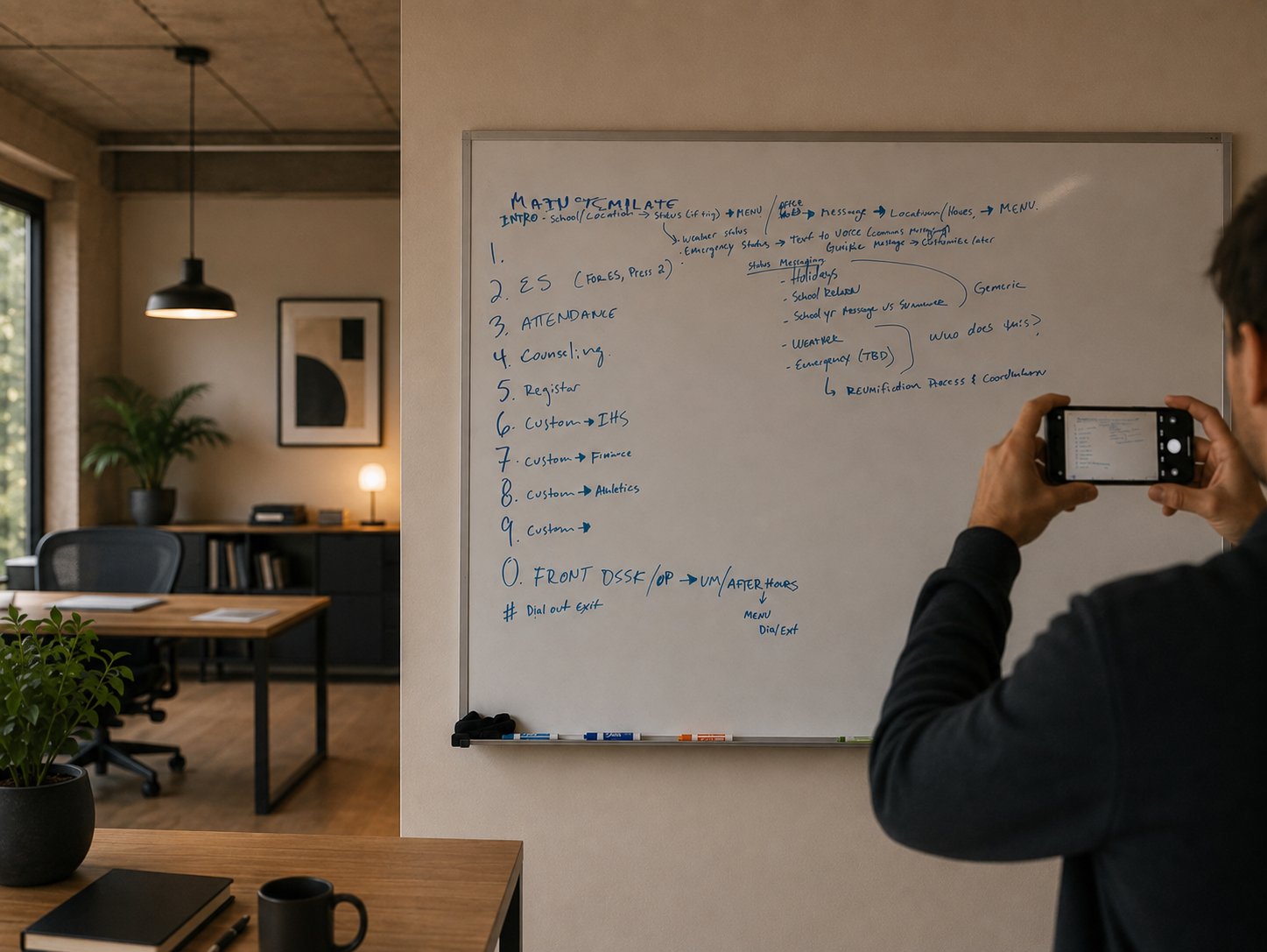
Action · School menu
WhenCall arrives
MenuSchool menu
Press 3Attendance
Press 4Counseling
Press 0Front desk
NocTel DeskImportWaiting
whiteboard-photo.jpgorcurrent-phone-tree.pdforplanning-meeting-notes.txt
Industries
The same Desk, whatever you run.
Communication that keeps the school day moving
Schools depend on many small systems working together: bells, announcements, emergency alerts, and the calls arriving at the front office. NocTel brings them into one place, where staff can manage them directly and respond quickly when plans change.
Manage bell schedules, page specific zones, or make a building-wide announcement. Authorized staff can make changes themselves, without waiting for outside support.
Learn about PagingBadges and physical buttons can alert phones, speakers, and screens simultaneously, so responders know who needs help and where.
Learn about Emergency ResponseCreate clear paths for attendance, transportation, general questions, and multilingual callers. Staff can update each route as the school’s needs change.
Learn about Call Flow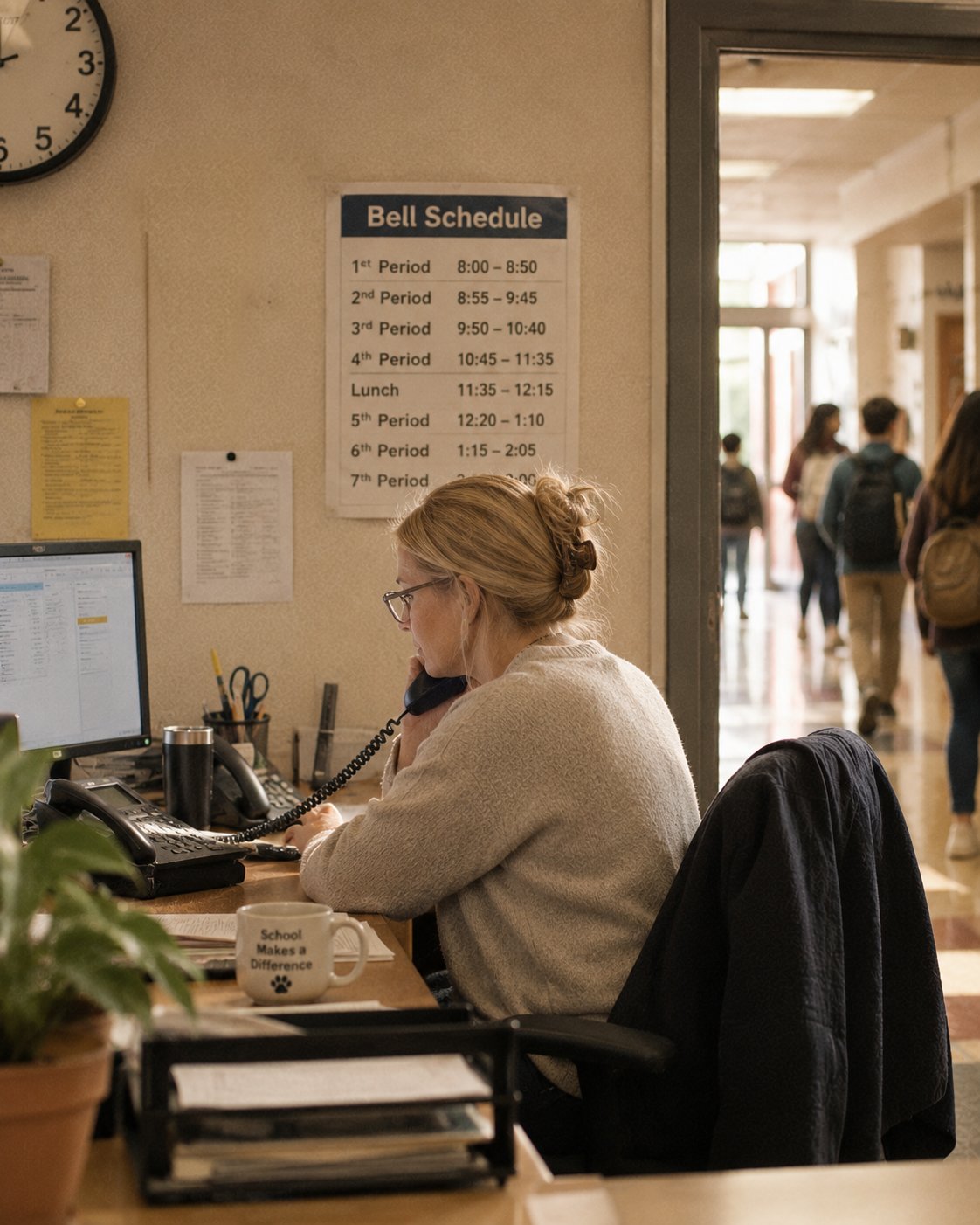
Helping front and back of house stay connected
Restaurants coordinate people, calls, displays, equipment, and timing, all while serving the guests in front of them. NocTel connects these systems so teams can respond to changes without adding more complexity to the shift.
Update a price or menu item once and publish it across every relevant display. Schedule different content for lunch, dinner, special events, or seasonal menus.
Learn about ScreensRoute takeout and reservation calls, manage queues, and provide messages that reflect the restaurant’s current hours and availability.
Learn about PhonesIf a freezer temperature drifts or a door remains open, NocTel can notify the appropriate person by call, text, or alert while there is still time to respond.
Learn about Connected Devices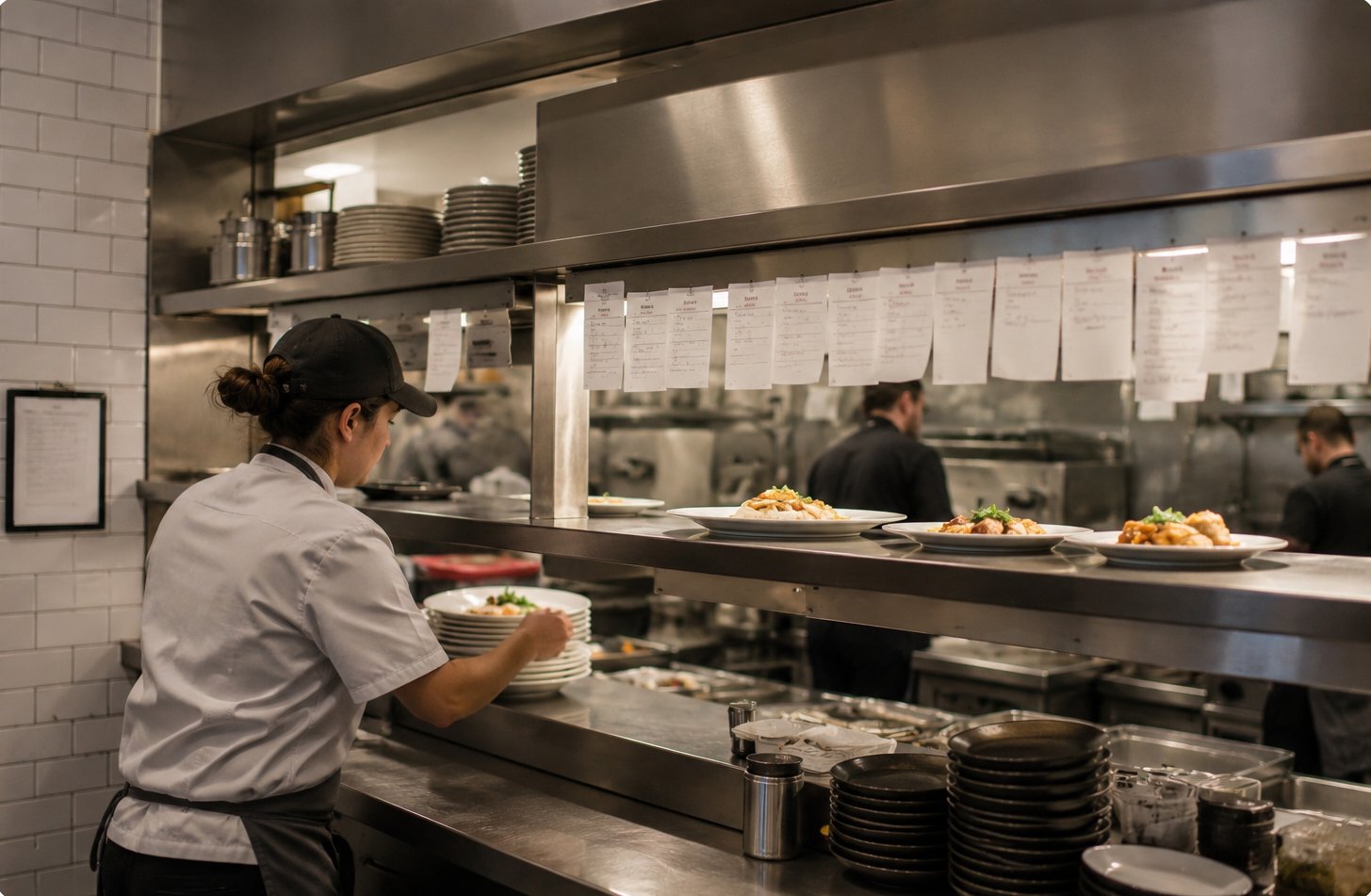
Communication designed to support timely care
Clinics and care facilities rely on communication that is clear, dependable, and immediate. NocTel helps route patient calls, notify staff during urgent situations, and coordinate codes and announcements from a shared system.
Coordinate nurse lines, scheduling, and after-hours calls so patients can reach someone prepared to help with their specific needs.
Learn about Call FlowWhen a staff member presses a badge, NocTel can alert phones, speakers, and screens at once, including information about who activated the alert and where.
Learn about Emergency ResponseManage code alerts and overhead announcements alongside the phone system, reducing the need for separate tools and consoles.
Learn about Paging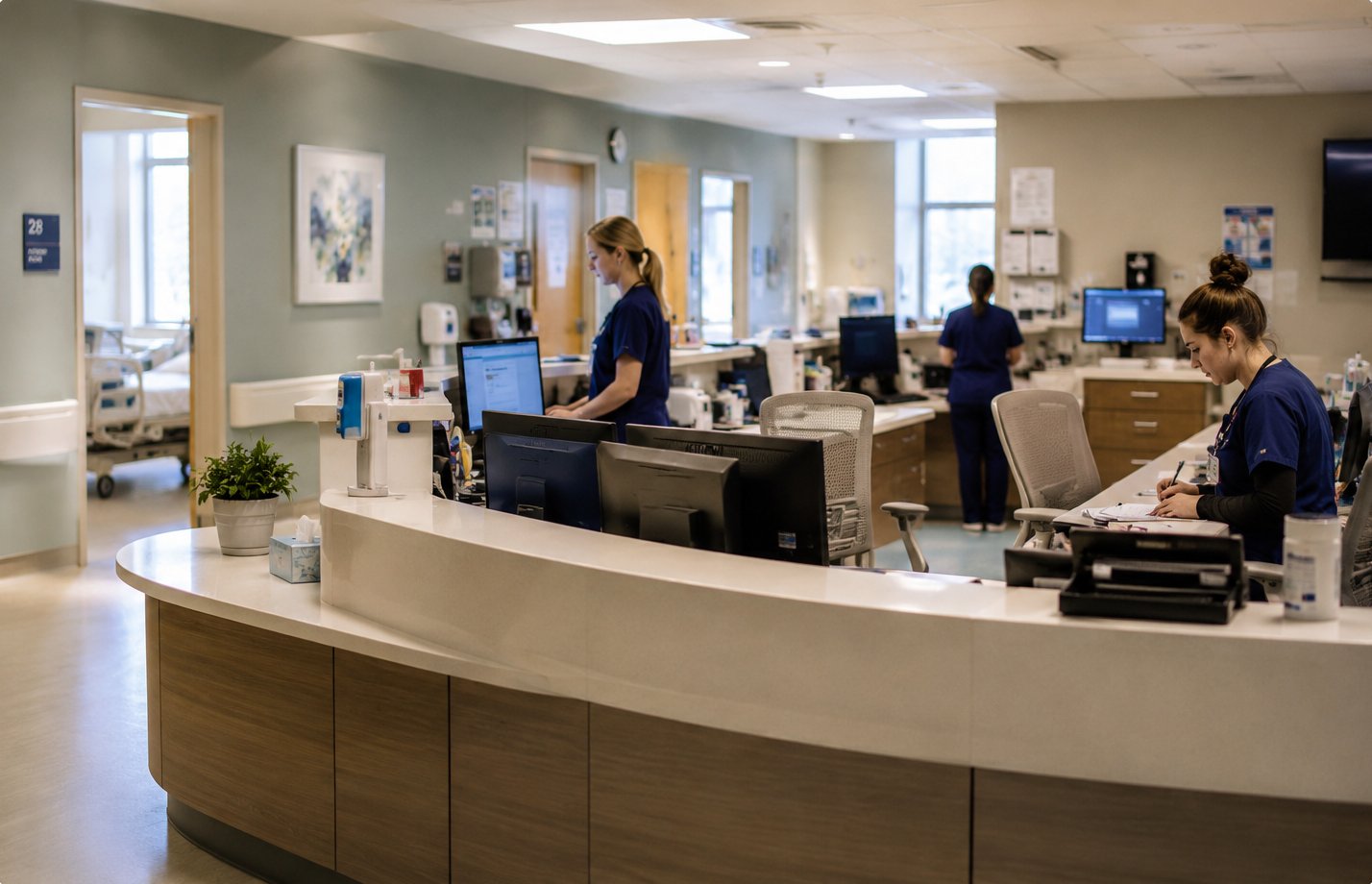
Call routing that remains understandable at scale
As call volume grows, routing rules become more consequential. NocTel helps teams manage queues, callbacks, overflow, and agent availability while giving supervisors a clear view of what is happening.
Allow callers to keep their place, request a callback, or move to another team when demand is high. Administrators can adjust routing rules as staffing and priorities change.
Learn about Call FlowSee agent availability, queue activity, and call history in a format designed to help managers understand conditions and make informed decisions.
Learn about InsightAn agent’s extension can follow them from a desk phone in the office to a laptop at home, without changing how calls enter the queue.
Learn about Go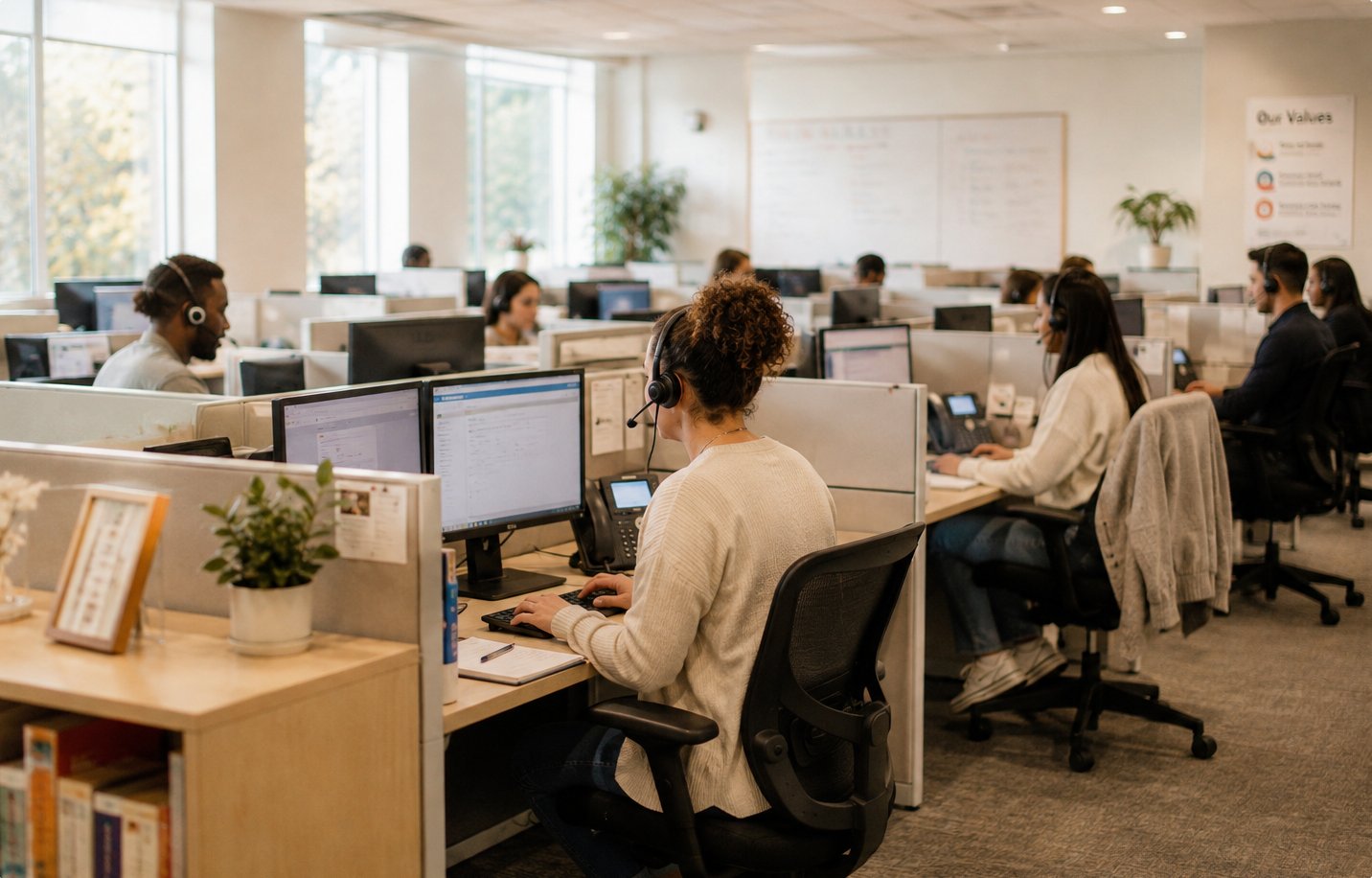
One system for teams working across many locations
Each new location introduces more extensions, routing rules, paging zones, and displays to manage. NocTel provides a shared system for the entire organization while preserving the flexibility to configure each site around its local needs.
Manage extensions, call routing, paging, and screens across all locations. Apply shared standards where they help, while allowing individual sites to operate differently when needed.
Learn about NocTel DeskSend an announcement to a room, a zone, one building, or the entire organization. Access remains limited to the people you authorize.
Learn about PagingOrganize lobby displays, wallboards, and menu boards into groups, then update the appropriate screens from one system.
Learn about Screens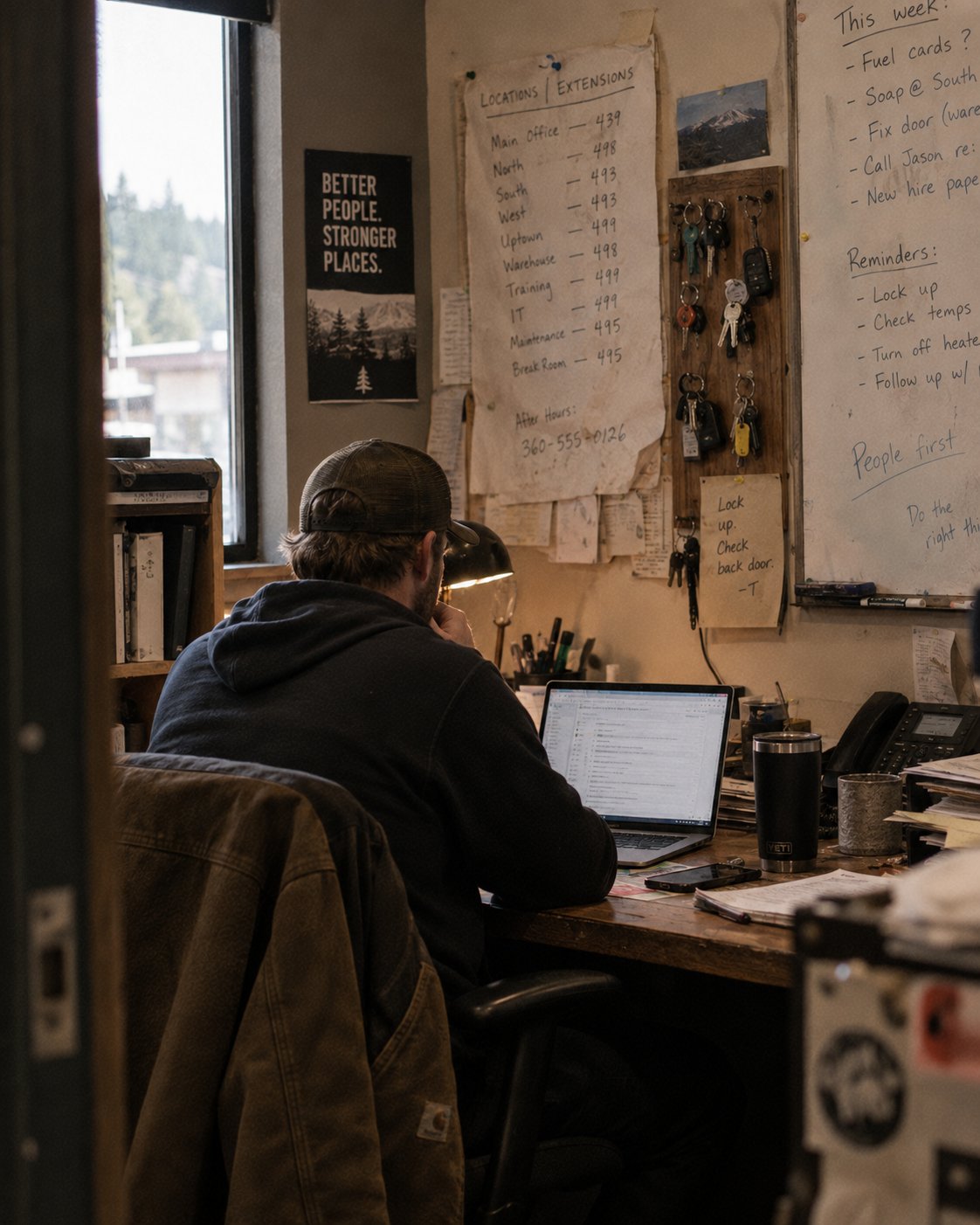
Connect your existing system or add new hardware.
Get answers from the team in Washougal, Washington.
Tell us about one situation your organization needs to handle. We’ll help you think through the response and build.